Previously, importing holdings and transactions to Asora was possible with a template strictly in the Asora format. While this is still possible, SmartMapper allows using files in your own formats with the relevant details to be used to import the necessary information to Asora. Accepted formats include XLSX, CSV, TSV, XML, JSON.
With SmartMapper, once you select your file, you have the ability to map the columns on your document to the fields on Asora. Once mapped, you can also check for errors before importing the data.
The video below shows how holdings can be imported using SmartMapper:
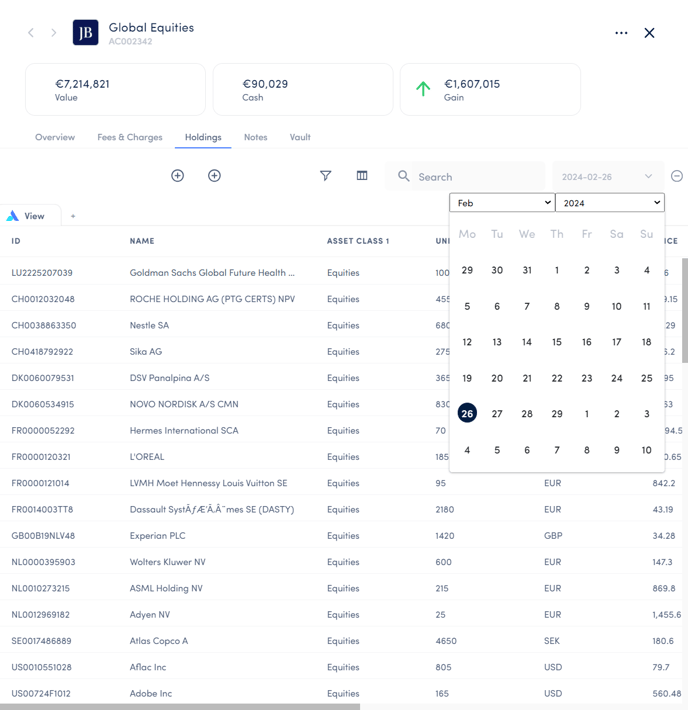
Once imported, the holdings will appear on the Account card in the holdings section on the date specified in the import document. Based on the example shown in the video above, the image below shows the imported holdings: